You can help support this website by buying me a coffee!

How to perform an in-place upgrade from Proxmox VE 6 to 7 using the free no-subscription repository
pve6to7 --fullapt update && apt dist-upgrade
Select Datacenter - Backup and check VM backups have completed OK
Select your Proxmox server - Summary and check HD space
pve6to7 --full
Migrate VMs and containers to another host or shutdown all running VMs
Note the MAC address of the Linux bridge interface
ip link show
Check existing apt sources.listnano /etc/apt/sources.list
Note: The current apt sources.list is using Debian Buster repositories
Update Debian repositories to Bullseyesed -i 's/buster\/updates/bullseye-security/g;s/buster/bullseye/g' /etc/apt/sources.list
echo "deb https://enterprise.proxmox.com/debian/pve bullseye pve-enterprise" > /etc/apt/sources.list.d/pve-enterprise.list
If you check apt sources.list again you will see the repositories have been updated to Bullseye.
nano /etc/apt/sources.list
The next steps will update Debian from v10 (Buster) to v11 (Bullseye) and Proxmox from v6 to v7
During the upgrade, you will be prompted if any files you have changed are going to be overwritten by the upgrade.
If you have changed any files, you can choose the option to "Keep the local version currently installed"
apt update && apt dist-upgrade
Do you want to continue? Yes
You are attempting to upgrade from proxmox-ve 6 to proxmox-ve 7. Please make sure to read the upgrade notes.
Press [enter] to continue with the upgrade
apt-listchanges
Press [q] to exit from the update notes
Configuration file /etc/issue modified
Yes. Install the package maintainer's version
Note: /etc/issue files contains information about the Proxmox release. In this case, I'm going to allow the Proxmox installer to change the file.
Configuring libc6
Restart services during package upgrades without asking? Yes
Configuring openssh-server
What do you want to do about modified configuration file sshd_config?
Keep the local version currently installed
Modified configuration file apticron
Keep the local version currently installed
Modified configuration file pve-enterprise.list
No. Keep the local version currently installed
Reboot the Proxmox host
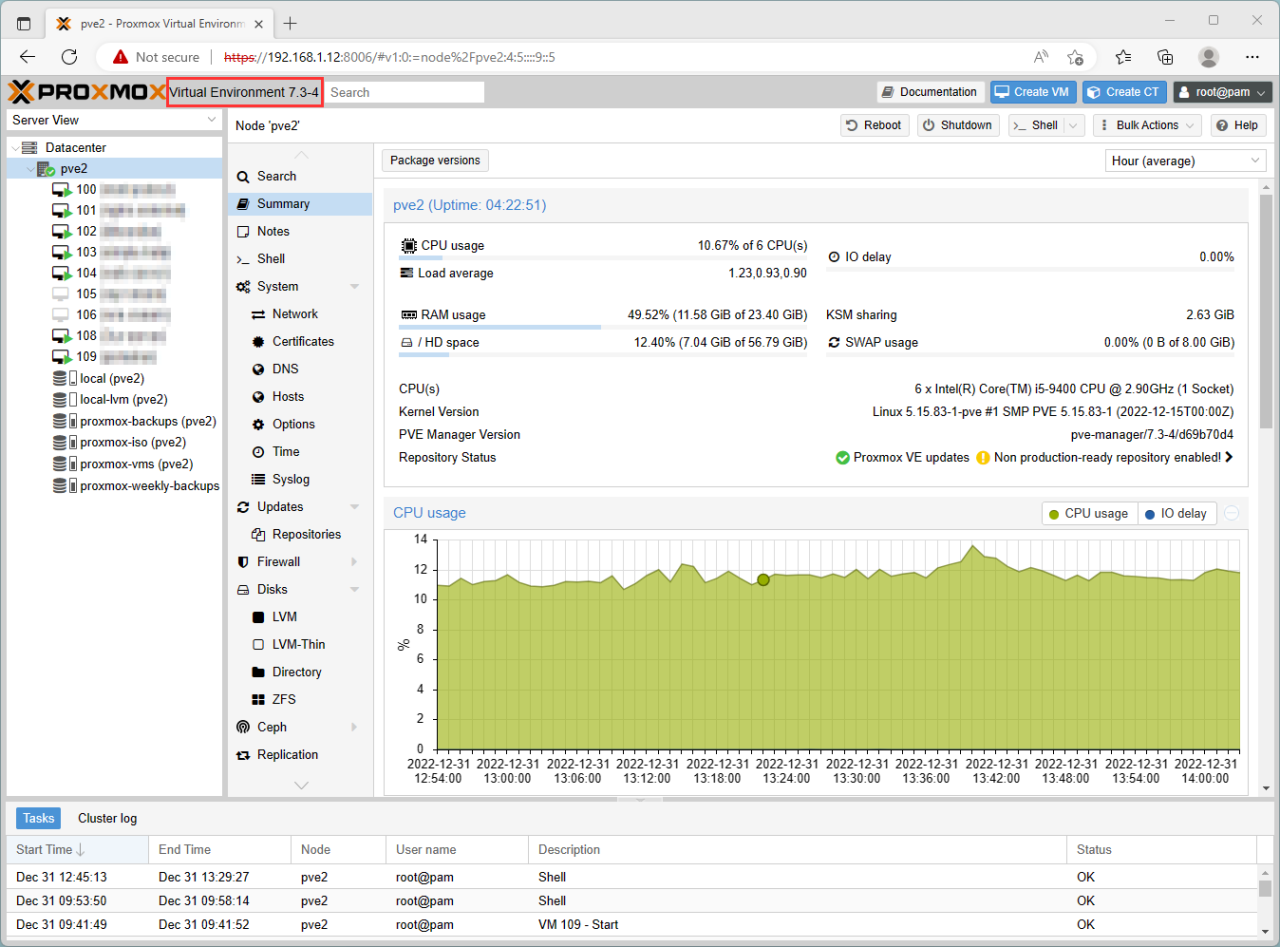
Select your Proxmox server - Reboot
Reference:
by Author
Upgrade from 6.x to 7.0
https://pve.proxmox.com/wiki/Upgrade_from_6.x_to_7.0
Comments